
RTL Fixer
The #1 Solution for Fixing Right-to-Left writing in environments that don’t support it
With RTL Fixer you can now write continuously while also be able to copy and paste text from different right-to-left languages such as Arabic, Urdu, Hebrew and more – all with one software.
RTL Fixer supports the new Affinity by Canva – including all previous versions.
Right-to-Left Support is still broken
It’s true. Even today we are still seeing many programs that have partial to no support at all for writing in languages such as Hebrew or Arabic.
In those cases, many times when you start to write something it’ll come out backwards.
This is why we brought RTL Fixer – a first of its kind application to fix everything, from continuous writing in right-to-left languages to copypasting texts in environments that don’t support these languages.
RTL Fixer in action
Right to Left Fixer – What it can do?
This little app is NOT your typical workflow for RTL assist.
You do not need to copy the text, paste it, transform it to whatever RTL language you’re trying to get your text ready for, and then you copy and paste it back to that software.
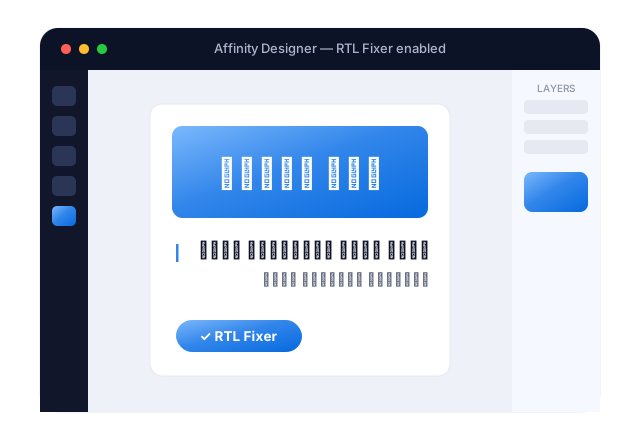
That’s history. With RTL Fixer you can now write continuously while also be able to copy and paste text from different right-to-left languages such as Arabic, Urdu, Hebrew and more – all with one software.
Buy Now →
Very simply!
You load the app, use a shortcut key command to enable it and that’s it!
Load the app
You load the app.
Enable it
Use a shortcut key command to enable it and that’s it!
Write & paste
Write in your Right-to-Left language with no problems! Or copy and paste your HebrewArabicUrdu or any right-to-left language with ease.
To see how the app installs and works – click here.
What software will RTL Fixer work with?
Right-to-left writing support can now be achieved with many apps that don’t natively support it. Some of the supported and tested apps are:
Affinityby Canva
AdobeIllustrator
AdobePhotoshop
AdobeInDesign
AffinityDesigner
AffinityPhoto
AffinityPublisher
XaraDesigner
iStudioPublisher
VectorStyler
RTL Fixer
The #1 Solution for Fixing Right-to-Left writing in environments that don’t support it.
Buy Now →